July 24, 2026
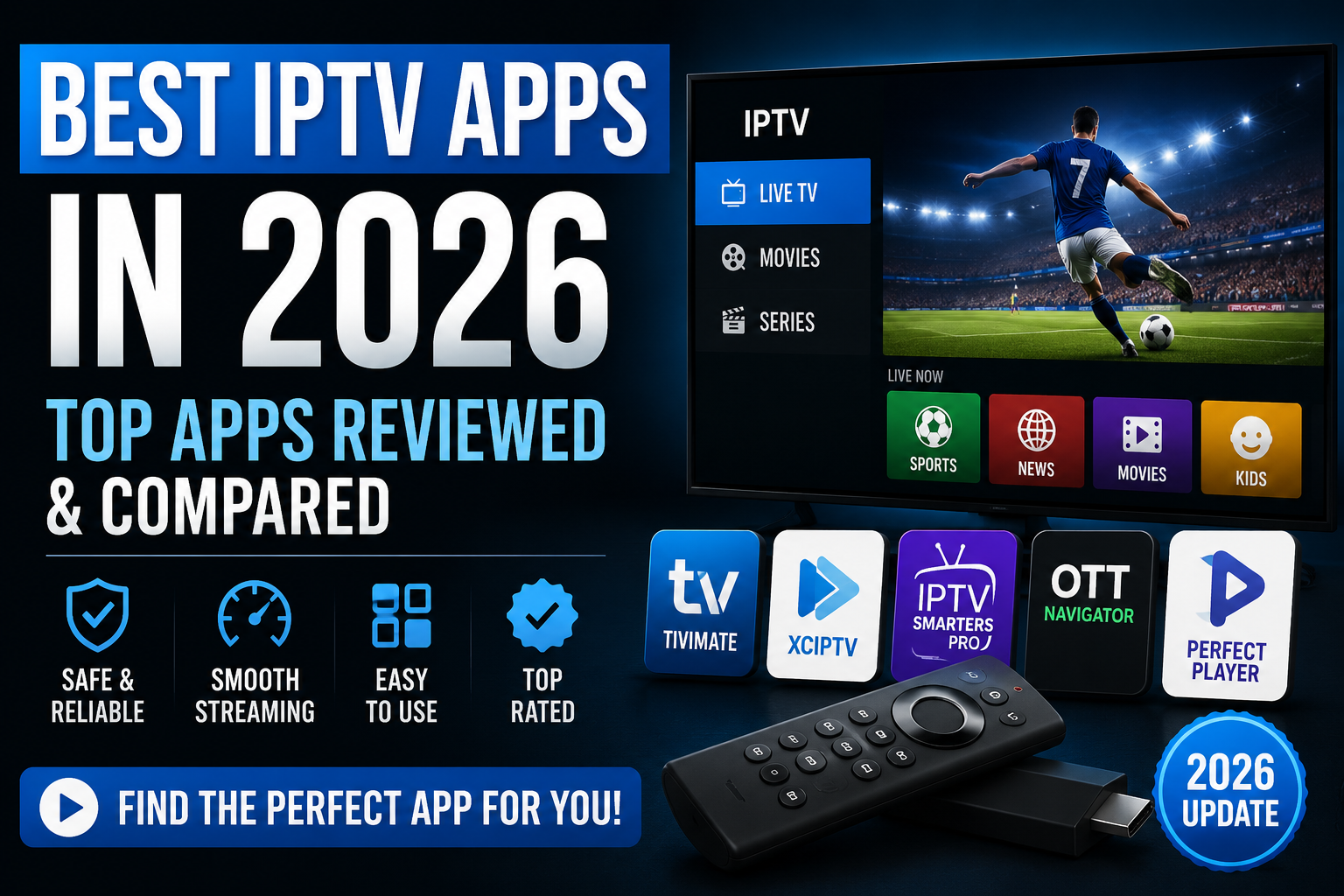
Best IPTV Apps in 2026 – Top Apps Reviewed & Compared
Your IPTV subscription is only half of the equation — the app you use to watch it shapes your entire experience. The same channel list can feel like premium cablle
Your IPTV subscription is only half of the equation — the app you use to watch it shapes your entire experience. The same channel list can feel like premium cable in one player and like a clunky spreadsheet in another. In this guide, we review and compare the best IPTV apps in 2026 across every major platform: Android, Firestick, iOS, Smart TVs, and PC.
Quick note before we start: all of the apps below are player apps only. They don't include any channels or content — you connect them to your own IPTV subscription using an M3U playlist link or Xtream Codes login provided by your service.
What Makes a Great IPTV App in 2026?
After testing the most popular players on multiple devices, we judged each app on five criteria:
- Interface & navigation: How quickly can you find and switch channels?
- EPG quality: A clear, fast-loading TV guide is what separates great apps from average ones
- Device compatibility: Does it run on your phone, TV, stick, and computer?
- Playback performance: 4K support, hardware decoding, and buffering behavior
- Extras: Multi-playlist support, recording, catch-up, parental controls, and VOD organization
1. TiviMate — Best Overall (Android TV & Firestick)
TiviMate remains the gold standard for living-room IPTV in 2026. Its interface is built specifically for TV screens and feels remarkably close to a traditional cable experience — fast channel zapping, a beautiful grid-style TV guide, and rock-solid stability.
- Platforms: Android TV, Google TV, Firestick, Android phones/tablets
- Price: Free with limited features; Premium around $5/year unlocks multiple playlists, recording, and advanced EPG options
- Pros: Best-in-class EPG, 4K hardware decoding, excellent favorites and parental controls
- Cons: Android-only — no iOS, Mac, Windows, or native Smart TV versions
Verdict: If you watch on a Firestick or Android TV box, TiviMate is the app to beat.
2. IPTV Smarters Pro — Best Cross-Platform App
IPTV Smarters Pro is the most widely used IPTV player in the world, and its biggest strength is availability: it runs on virtually everything. If you want one familiar app on your phone, laptop, and TV, this is the safest choice.
- Platforms: Android, iOS, Windows, macOS, Firestick, many Smart TVs
- Price: Free (ad-supported on some platforms)
- Pros: Supports both M3U and Xtream Codes login, easy setup, full EPG, VOD and series sections
- Cons: Interface is functional rather than beautiful; less refined than TiviMate on TV screens
Verdict: The best all-rounder for households with a mix of devices.
3. IBO Player — Best for Samsung & LG Smart TVs
IBO Player has become the go-to choice for native Smart TV users in 2026, filling the gap left by older Smart TV players. It's available directly in the Samsung (Tizen) and LG (webOS) app stores, so there's no sideloading required — a huge plus for non-technical users.
- Platforms: Samsung Tizen, LG webOS, Android
- Price: Free trial, then a small one-time or annual activation fee
- Pros: No sideloading, clean organization of movies and series into subcategories, fast performance
- Cons: Playlists are managed via the device's MAC address, which some users find less intuitive
Verdict: The easiest path to IPTV on a Samsung or LG TV without any extra hardware.
4. XCIPTV — Best Free Player for Visual Experience
XCIPTV stands out with one of the most attractive interfaces of any free player. Its VOD library automatically pulls in posters, backdrops, ratings, and cast information, making your movie catalog look like a polished streaming service.
- Platforms: Android, Firestick, Android TV
- Price: Free / freemium
- Pros: Gorgeous automated VOD metadata, built-in ExoPlayer and VLC engines for near-zero codec issues, highly customizable
- Cons: Android ecosystem only
Verdict: The best-looking free player for Android-based devices, especially if you watch a lot of movies and series.
5. GSE Smart IPTV — Best for iPhone, iPad & Apple TV
Apple users have fewer options, and GSE Smart IPTV is the strongest of them. It offers automatic EPG matching, iCloud sync across your Apple devices, and an interface that feels native to iOS rather than a port.
- Platforms: iPhone, iPad, Apple TV, Mac, Android
- Price: Free with a Pro upgrade around $5
- Pros: Native Apple experience, iCloud sync, broad playlist format support
- Cons: Occasional quirks with background audio; development pace is slower than rivals
Verdict: The default recommendation for anyone in the Apple ecosystem.
6. Televizo — Best Lightweight & Beginner-Friendly App
Televizo focuses on doing the basics extremely well. Paste in your M3U or Xtream playlist and it just works — channels, EPG, and categories appear in a clean, uncluttered layout. It also handles multiple playlists gracefully, which makes switching between subscriptions painless.
- Platforms: Android, Android TV, Firestick
- Price: Free with a low one-time Premium unlock
- Pros: Very light on resources, fast startup, ideal for first-time IPTV users
- Cons: Fewer advanced features than TiviMate (no recording, simpler guide)
Verdict: The best "it just works" option, especially on older or low-power devices.
7. Perfect Player — Best for Power Users
Perfect Player is a veteran app that trades polish for control. You can manually sort channels, build custom categories, fine-tune the EPG, and tweak nearly every aspect of playback. The learning curve is steeper, but tinkerers love it.
- Platforms: Android, Android TV, Windows
- Price: Free
- Pros: Maximum customization, efficient on modest hardware
- Cons: Dated interface, setup takes longer, updates are infrequent
Verdict: Not for beginners, but unmatched if you want full control over your channel lists.
8. Kodi — Best Open-Source Media Center
Kodi isn't a pure IPTV app — it's a full open-source media center that supports IPTV through its PVR IPTV Simple Client add-on. If you already use Kodi for your local media library, adding your IPTV playlist turns it into a complete entertainment hub.
- Platforms: Android, iOS, Windows, macOS, Linux, Firestick
- Price: Free and open source
- Pros: Runs everywhere, deeply customizable with skins and add-ons, combines IPTV with local media
- Cons: Setup is more technical; overkill if you only want live TV
Verdict: The most flexible option — best for enthusiasts who want one app for everything.
Comparison Table: Best IPTV Apps in 2026
| App | Best For | Platforms | Price |
|---|---|---|---|
| TiviMate | Firestick / Android TV | Android only | Free / ~$5 per year |
| IPTV Smarters Pro | All devices | Android, iOS, Windows, macOS | Free |
| IBO Player | Samsung & LG TVs | Tizen, webOS, Android | Trial, then small fee |
| XCIPTV | Visual VOD experience | Android, Firestick | Free |
| GSE Smart IPTV | Apple devices | iOS, Apple TV, Mac, Android | Free / ~$5 Pro |
| Televizo | Beginners | Android, Firestick | Free / one-time unlock |
| Perfect Player | Power users | Android, Windows | Free |
| Kodi | Media center setups | Everything | Free (open source) |
Which IPTV App Should You Choose?
- Firestick or Android TV box? Go with TiviMate — nothing else matches its TV guide and channel-switching speed.
- Multiple device types in one household? Use IPTV Smarters Pro everywhere for a consistent experience.
- Samsung or LG Smart TV with no extra hardware? Install IBO Player straight from your TV's app store.
- iPhone, iPad, or Apple TV? GSE Smart IPTV is the best native option.
- New to IPTV? Start with Televizo — the simplest setup of the bunch.
Frequently Asked Questions
Do IPTV apps come with channels?
No. Every app in this list is a player only. You need an active subscription from an IPTV provider, which gives you an M3U playlist URL or Xtream Codes login to enter into the app.
Are IPTV apps legal?
Yes — the apps themselves are perfectly legal media players, most of them available on official app stores. What matters is the service you connect them to: make sure your provider has the rights to the content it streams. See our full guide on IPTV legality for details.
What's the difference between M3U and Xtream Codes?
Both are ways to load your subscription into an app. An M3U link is a playlist URL containing your channels, while Xtream Codes uses a server address, username, and password. Xtream login typically enables richer features like organized VOD and series sections — most modern apps support both.
Which app has the best TV guide (EPG)?
TiviMate's grid-style EPG is widely regarded as the best implementation in 2026 — fast, clear, and customizable. XCIPTV and IPTV Smarters Pro also offer solid guides on their supported platforms.
Can I use the same subscription on multiple apps?
Usually yes — your playlist or Xtream login can be entered into any compatible player. Just check your provider's connection limit, as most subscriptions allow a set number of simultaneous streams.
Great apps deserve a great service behind them.
Stream4k works seamlessly with every app on this list — TiviMate, IPTV Smarters Pro, IBO Player, and more. Get your M3U or Xtream Codes login in minutes, backed by clear terms, transparent pricing, and professional customer support.
Get Started with Stream4k →
Ready to start streaming?
45,000+ channels, 4K quality, all devices. Try free for 24 hours.
Get Started — From $12/mo